
As electronics become more prevalent in our vehicles, even minor faults can make diagnostics and repairs more complex. Different types of diagnostic scanners have emerged to meet this challenge.
In 2010, the founder of Outils OBD Facile was faced with an engine warning light issue for the first time. Unable to identify or clear the warning light without a diagnostic device, he saw the need to develop his own EOBD-Facile diagnostic software.
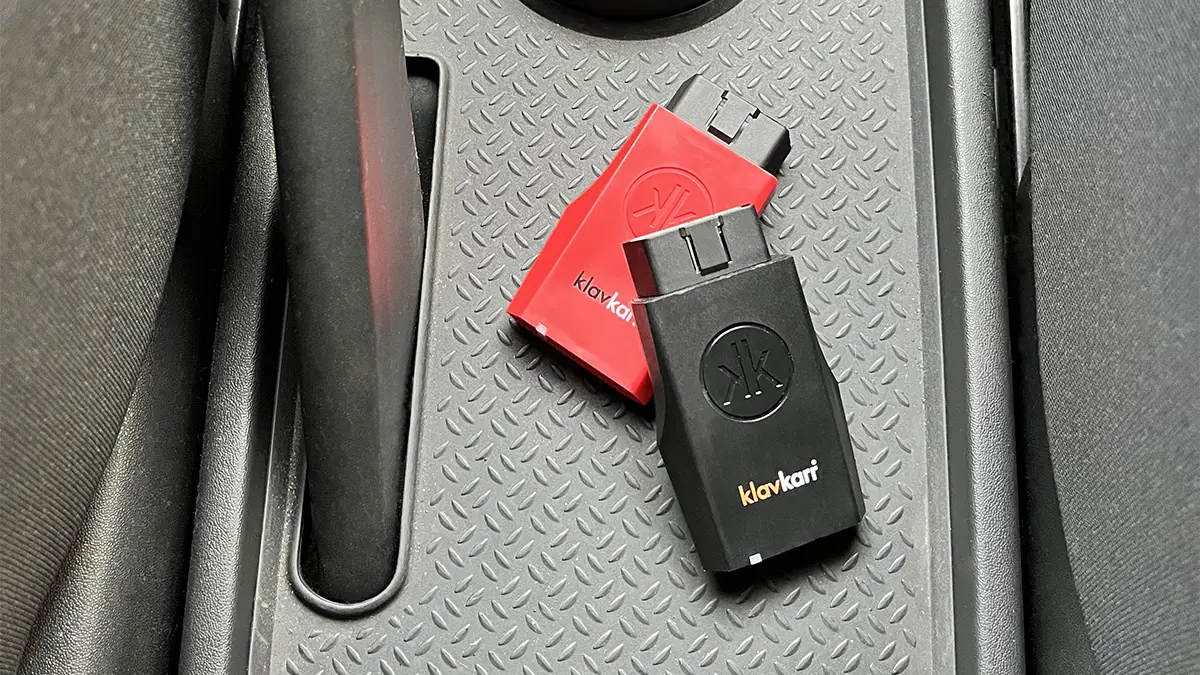
Discover the story behind klavkarr – a locally made product from Brittany
The name klavkarr comes from the Breton translation for “car key”. A key, because our diagnostic device is designed to give you the key to perform your own vehicle diagnostics.

The klavkarr diagnostic scanner plugs directly into your vehicle’s OBD2 socket.
It allows you to easily carry out diagnostics on the following systems:
- Engine
- Transmission
- Clear the engine warning light on your dashboard
EOBD-Facile: multi-brand vehicle diagnostic software
Even the best diagnostic device is only useful when paired with software to interpret the data it retrieves. EOBD-Facile is our multi-brand vehicle diagnostic software, compatible with ELM327-based diagnostic interfaces.

Using your vehicle’s OBD socket, EOBD-Facile gives you access to diagnostic information such as stored fault codes. With the full version of the software, you can also clear these codes and switch off the engine warning light on the dashboard.
Being multi-brand, our software is compatible with most vehicle manufacturers (Renault, Peugeot, Citroën, Volkswagen, Fiat, Ford, Opel, BMW, Audi, etc.).
Since the software is fully available in French, interpreting your vehicle’s data is even easier.
klavkarr: how it works and how to use it
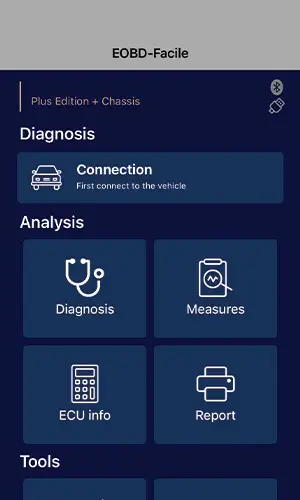
klavkarr is our multi-brand automotive diagnostic device.
To use the scanner, simply plug it into your vehicle’s OBD port. With the EOBD-Facile software, you can diagnose the engine and transmission systems.
However, before you can connect your diagnostic scanner, you first need to find the OBD socket in your vehicle. While performing diagnostics is important, the first step is always locating the OBD port so you can plug in klavkarr.
Keep in mind that the location of the OBD socket varies depending on your car’s make and model!
Finding the port isn’t always easy, which is why we’ve created a companion app to help you locate it, in addition to our EOBD-Facile diagnostic software.

With the app “Where is my OBD2 port? Find it!”, available on Google Play and the App Store, you can find the location of OBD ports on a wide range of vehicles sorted by make and model.
If you already know where your OBD port is, but can’t find your vehicle listed, feel free to send us photos! Our team adds many new vehicles to the app every month.
Learn more
Share this article