
When starting a vehicle diagnostic with EOBD-Facile, you’ll have two options: OBD mode or Manufacturer mode.
But what’s the difference between the two? Are the results that different? And which one should you choose to get the most accurate diagnostic?
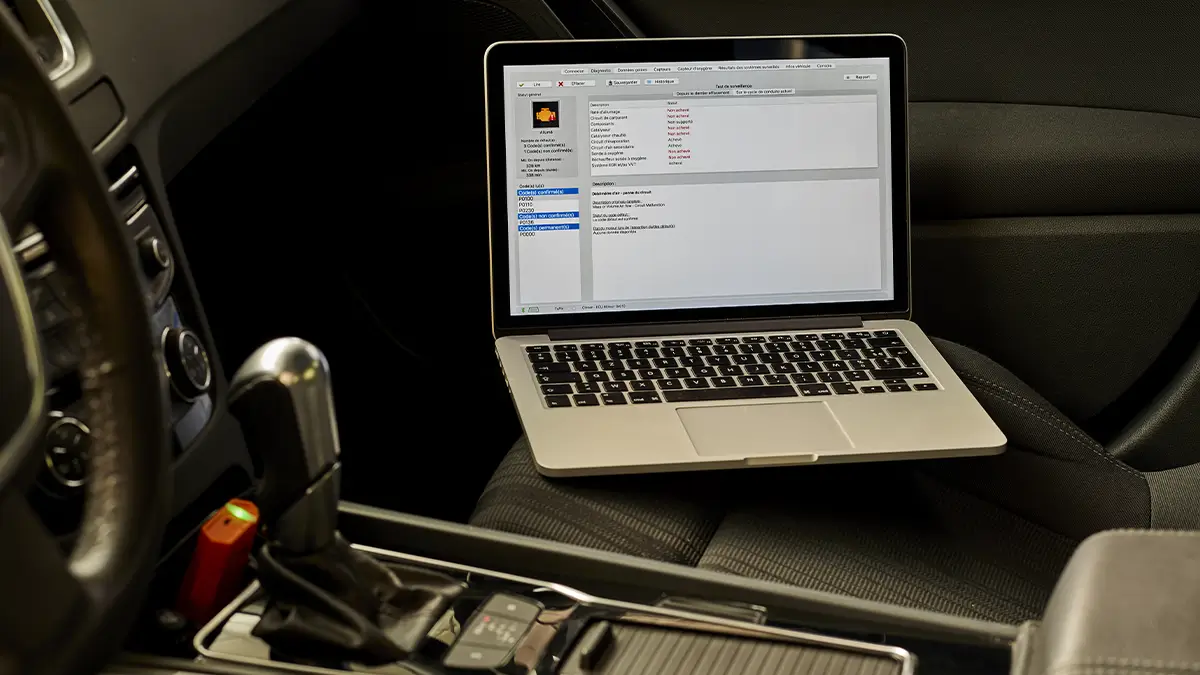
What kind of data is available in each mode?
Two diagnostic modes, two sets of accessible data?
Pretty much… yes.
Data in OBD mode
No matter the make, model, or year of your vehicle, OBD mode gives you access to standardised data — known as the first 10 data levels.
These are basic, universal data sets found in all vehicles, regardless of brand.
Data in Manufacturer mode
When a car manufacturer releases a new model, it must comply with OBD standards. However, it can define custom PIDs (Parameter IDs). Manufacturer mode allows access to this additional, brand-specific data.
What’s the actual difference?
So if Manufacturer mode gives access to more detailed data, which mode should you choose for your diagnostic?
To better understand the differences, let’s take the example of a diagnostic run on an Opel Meriva with a Z16XEP engine.
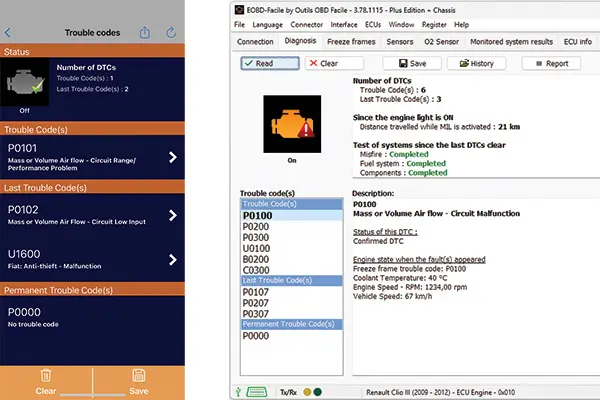
Reading fault codes
This involves scanning the vehicle’s electronic systems to detect potential faults or error codes.
Using OBD mode
With OBD mode, during fault code reading, you’ll get access to standard diagnostic information.
You’ll also see “freeze frame” data, which captures the engine’s state at the time the fault was detected.
Using Manufacturer mode
Manufacturer mode gives you access to even more detailed information.
So when reading fault codes, you’ll get a more complete status for each fault.
However, freeze frame data is not available in this mode.
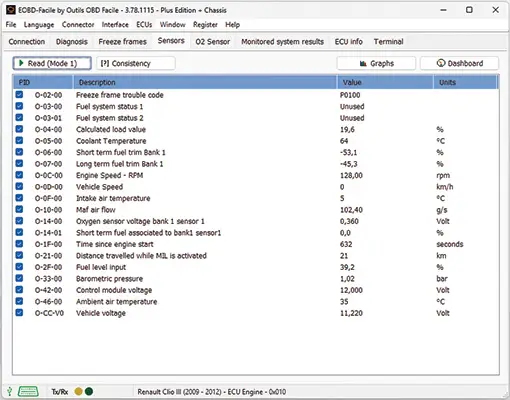
Reading sensor data
Just like fault codes, this involves checking whether various vehicle sensors are operating correctly.
In OBD mode
OBD mode allows access to data from up to 35 sensors.
In Manufacturer mode
In Manufacturer mode, that number can nearly double. In our Opel Meriva example, 69 sensors are accessible.
As expected, Manufacturer mode provides more detailed sensor readings — such as air temperature in Celsius and voltage values.
Reading monitored systems
Monitored systems are those that constantly track the vehicle’s performance. In the case of the injection system, you might see:
- Sensor threshold voltage (rich to lean)
- Low voltage used to calculate transition time
- And many others
Using OBD mode
On our Opel Meriva, monitored system data is available — a unique feature of this specific ECU.
Using Manufacturer mode
“Manufacturer mode always gives more data than OBD mode.” Not quite. This is the exception that proves the rule.
On the Opel Meriva, monitored system data isn’t available in Manufacturer mode — only in OBD mode.
Reading vehicle information
As the name suggests, this includes general vehicle info, such as OBD protocol version.
From OBD mode
OBD mode provides all the standard information, including:
- OBD design prerequisites
- VIN (Vehicle Identification Number)
- Calibration message count
From Manufacturer mode
Manufacturer mode shows all the same info as OBD mode, but adds a few extras — such as the engine code.
Conclusion
The choice of diagnostic mode depends on what kind of information you’re looking for. If you only need to check basic parameters, OBD mode will do the job. But if you want the most detailed and comprehensive results, go with Manufacturer mode.
Learn more
Share this article