
Running a diagnostic on your vehicle is great. But tracking your car’s health over time is even better. That’s why the EOBD-Facile software lets you create and print a report from your most recent scan.
As a private driver, you don’t run a diagnostic every day. So how do you remember the results from a previous scan?
After a few months, it's easy to forget the details...
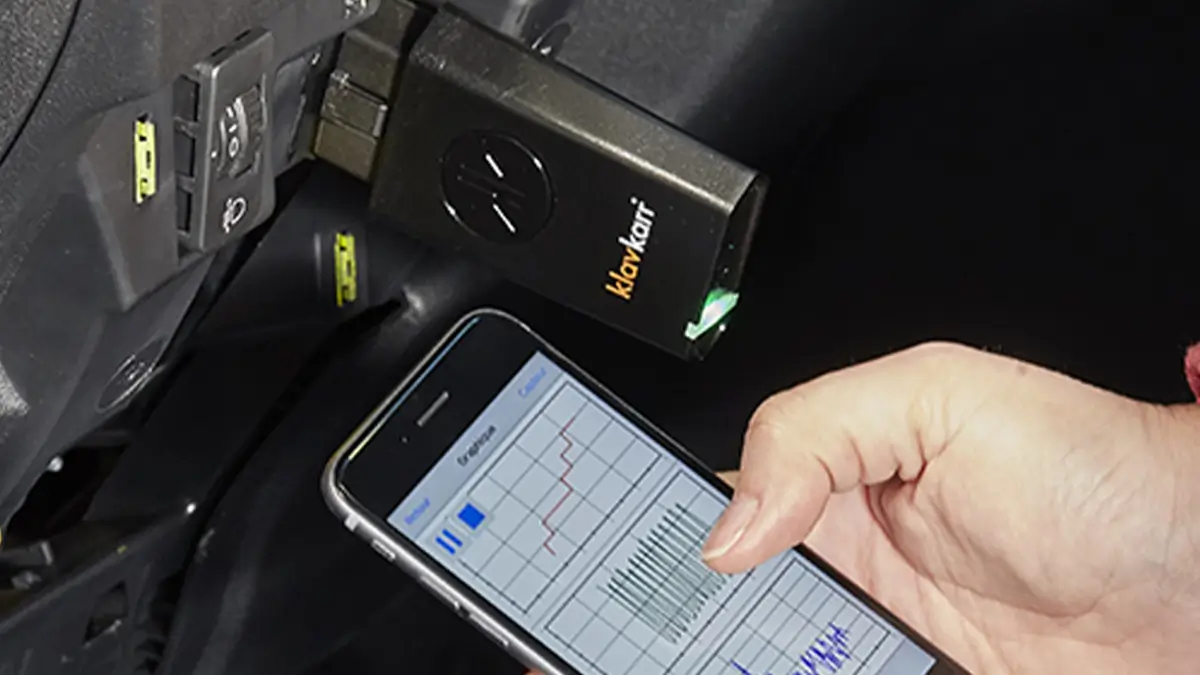
Why should I print my car’s diagnostic report?
Sure, running a diagnostic is helpful — but keeping a record of it is even better.
By saving your diagnostic reports, you can monitor changes in your car’s performance and wear over time. After running a full vehicle scan, it makes sense to archive the results.
But how exactly do you print the report?
With your smartphone :
With your computer :
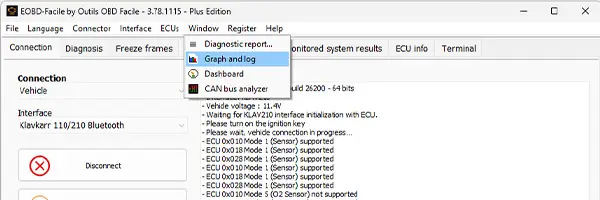
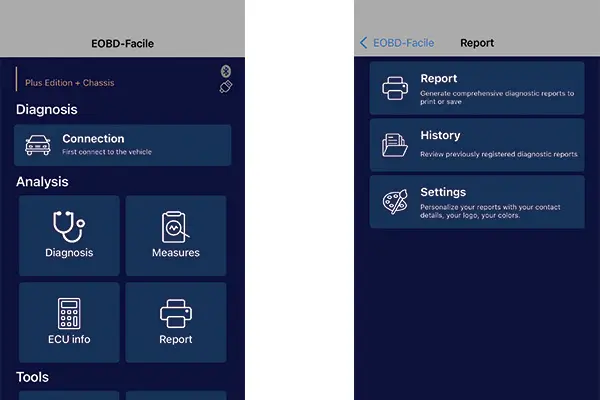
Whether you're using the mobile app or PC version, you’ll see a “Report” tab in the menu.
On desktop:
On mobile:
In the window that opens, you can enter vehicle details such as:
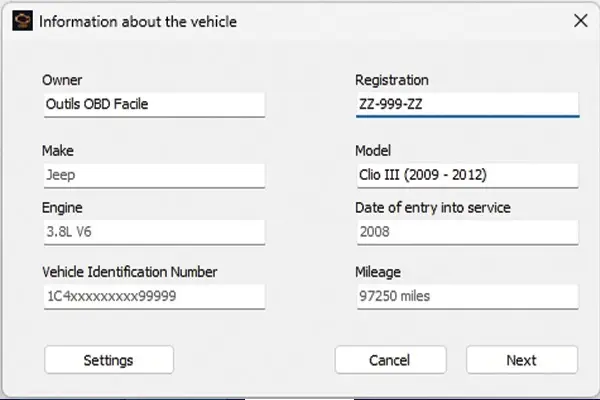
- Owner's name
- Registration number
- VIN (Vehicle Identification Number)
- Mileage
- Make
- Model
- Date of first registration
- Engine type
The final report will open in a new window, where you can save it as a PDF or print it directly.
Why print the report?
The value of this feature depends on how you use your scanner.
If you're just running occasional diagnostics on your own vehicle, you may not need printed records as often as a professional would.
For professionals
Once the information is filled in, click on “Settings”.
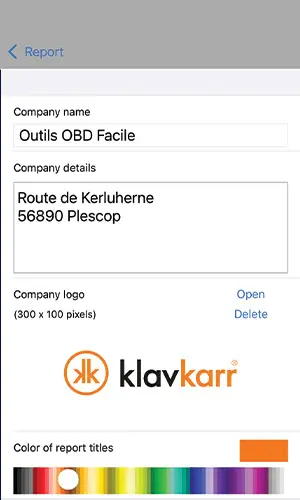
In this section, you can customise your report. You can:
- Add your name and logo (or your business name, if applicable)
- Change the colour of report headings
- Include contact details (such as your garage’s info)
Once confirmed, you can select which ECUs (control units) to include in the report.
You can also choose which diagnostic functions appear in the report.
There’s even a comment field where you can add your own notes or observations.
For private users
That doesn’t mean private users shouldn’t print reports! Quite the opposite. If you only scan your vehicle a few times a year, a lot can change between diagnostics.
That’s why keeping a copy of each report is so useful — it helps you monitor your car’s condition over time.
And if you ever decide to sell your car, those reports can serve as proof of regular maintenance — a great way to reassure future buyers.
Conclusion
Printing a car diagnostic report offers real benefits. Whether you’re a private user wanting to remember a scan from 6 months ago, or a professional keeping detailed records for each client, this feature is practical and valuable.
Learn more
Share this article