
Among the various types of OBD2 devices, the OBD2 Wi-Fi interface stands out for its universal compatibility. This OBD2 dongle works on computers, tablets, and smartphones, regardless of the operating system. Learn how to connect your Wi-Fi diagnostic tool and perform a complete vehicle diagnostic via wireless network.
Applicable models: all vehicles equipped with an OBD2 port (mandatory standard since 2001 for petrol vehicles and 2004 for diesel vehicles in Europe).
But how do you connect the device to the vehicle diagnostic software? Is the connection automatic? Why use a Wi-Fi network instead of a USB cable or Bluetooth for performing your automotive diagnostics?
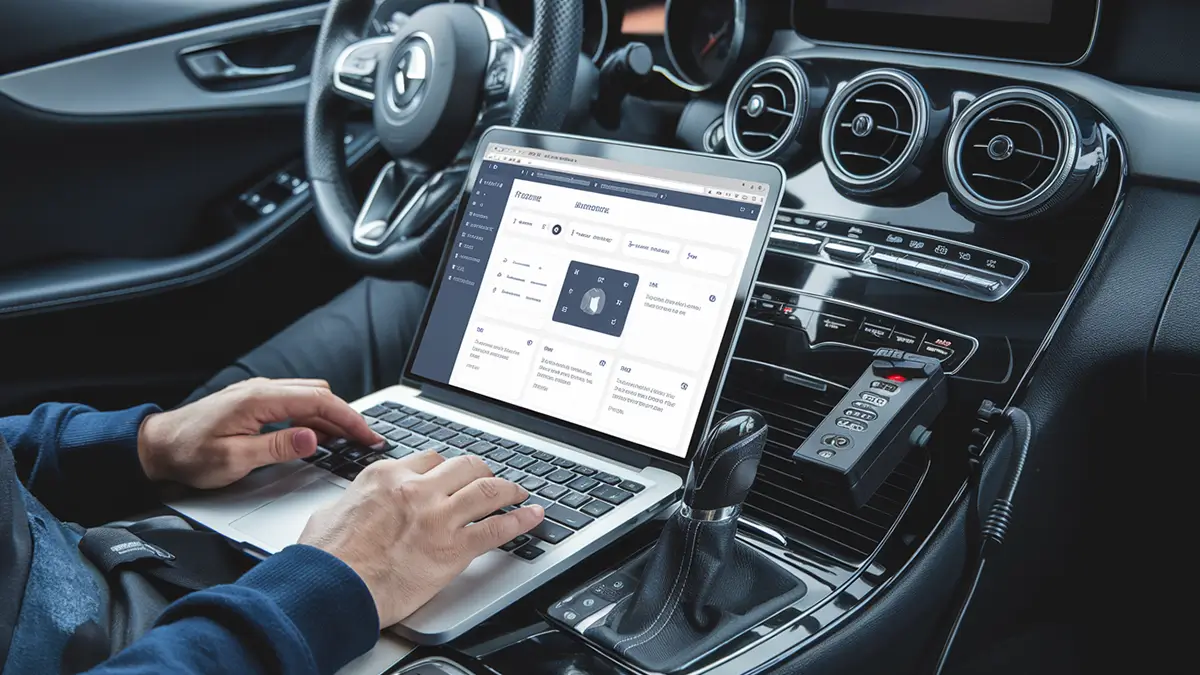
OBD2 over Wi-Fi: what changes?
OBD2 refers to a standardisation of diagnostic data, also known as OBDII. This standard is common to all car brands. The way you connect to the OBD port should not affect the diagnostic result. However, the choice of connection method does influence the user experience.
Compatible software on all devices
With Wi-Fi, the wireless connection allows you to use vehicle diagnostic software on a computer or smartphone. Unlike a USB OBD2 interface, no cable is needed. The Wi-Fi OBD2 dongle emits its own wireless network.
Wi-Fi-compatible diagnostic software can be used on any device: computer, tablet, or smartphone. This is a major advantage compared to a wired connection.
Additionally, the Wi-Fi connection enables the OBD2 interface to be compatible with any operating system:
- Windows (laptop or desktop)
- MacBook (macOS)
- Android (smartphone and tablet)
- iPhone (iOS)
This universal compatibility makes OBD2 Wi-Fi an ideal solution for those who want to use multiple devices for their diagnostics.
Specific driver setup for OBD2 Wi-Fi
The connection between the diagnostic software and the device is not typically designed for Wi-Fi. In fact, software is often configured for a Bluetooth connection. However, this does not mean that a Wi-Fi connection is impossible—quite the opposite!
You simply need to redefine the wireless network settings on your device (computer, tablet, or smartphone). Once the software is connected via Wi-Fi for the first time, the network will be automatically saved. You won't need to repeat this step in the future.
The connection will be instantaneous! It's as simple as connecting a Bluetooth dongle, but often with greater range.
OBD2 Wi-Fi: how does it work?
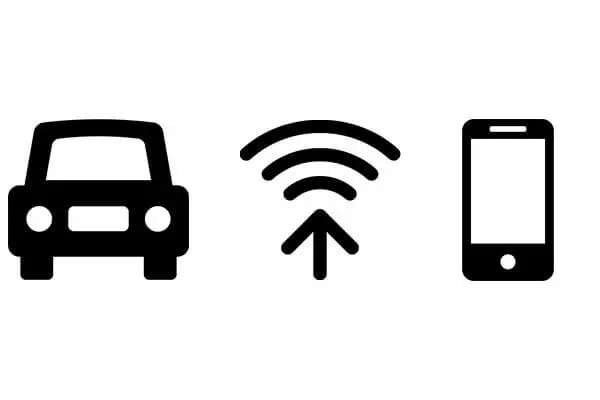
Like Bluetooth OBD2 devices, Wi-Fi diagnostic interfaces use dedicated modules. These modules replace a wired connection with a wireless one. It's similar to replacing an Ethernet cable with a Wi-Fi router.
The Wi-Fi OBD2 dongle creates a Wi-Fi network to establish communication with the vehicle's ECU (electronic control unit). Depending on the device used, the software utilises different types of connections:
- Adhoc (or point-to-point) connection, used on older ELM327 models.
- Wi-Fi Direct, compatible with the latest OS versions (Android, iOS, Windows, macOS).
The Wi-Fi network created by the OBD2 device is reserved for communication between the interface and the software. It is a closed and secure network.
Note: this Wi-Fi network is not an internet connection. You will need to disconnect from your usual Wi-Fi network to connect to the one created by the ELM 327 Wi-Fi device.
In practice, OBD2 Wi-Fi devices require you to disconnect from your usual network. You then connect to the new network emitted by the dongle. In some cases, a password is required, usually 12345678.
If connecting to the device is impossible, check that you are disconnected from your internet network. This step resolves most OBD2 connection issues.
OBD2 Wi-Fi or Bluetooth: which to choose?
Many wonder whether to choose a Wi-Fi or Bluetooth OBD2 device. The answer depends on your usage. Wi-Fi offers broader compatibility and greater range. Bluetooth is easier to connect on most smartphones.
In both cases, the vehicle diagnostic result will be identical. Only the connection method between the OBD dongle and your device changes. The key is to choose a reliable OBDII interface and compatible diagnostic software.
Conclusion
Using a Wi-Fi connection between the device and the vehicle diagnostic software has many advantages. It creates a dedicated network for communicating the car's ECU data. The Wi-Fi diagnostic tool works on all devices, without the hassle of a cable.
For faster and more convenient diagnostics, OBD2 Wi-Fi is an excellent choice, whether with a classic ELM327 or a more modern interface.
How to connect an OBD2 Wi-Fi device?
Plug the OBD2 dongle into your vehicle's OBD port. Disconnect from your usual Wi-Fi network, then connect to the network emitted by the device (default password: 12345678). Then launch your diagnostic software.
Why is the OBD2 Wi-Fi connection impossible?
If the connection is impossible, check that you are disconnected from your usual internet network. The OBD2 device creates its own Wi-Fi network, and your device cannot connect to two networks simultaneously.
OBD2 Wi-Fi or Bluetooth: which to choose?
Wi-Fi offers broader compatibility with all operating systems and better range. Bluetooth is easier to set up on smartphones. The vehicle diagnostic result is identical in both cases.
How does an ELM327 Wi-Fi work?
The ELM327 Wi-Fi is an OBD2 dongle that creates a dedicated wireless network. It plugs into your car's OBDII port and communicates with your diagnostic software via this Wi-Fi network, without cables or internet connection.
Learn more
Share this article