
The Bluetooth OBD2 scanner has become the preferred vehicle diagnostic tool for drivers. This wireless dongle plugs into your car’s OBD port and communicates with your Android smartphone, iPhone, or laptop. Using a diagnostic app such as EOBD-Facile, you can read fault codes, clear the check engine light, and monitor live data in real time. Learn how to choose, connect, and use your Bluetooth OBD2 interface.
Applicable models: all vehicles equipped with an OBD2 port (mandatory standard since 2001 for petrol vehicles and 2004 for diesel vehicles in Europe). Compatible with all makes: Renault, Peugeot, Citroën, Volkswagen, BMW, Mercedes, Opel, Dacia, Ford, Toyota, etc.
There are several types of OBD2 interfaces available to scan your vehicle. Among the different vehicle diagnostic interfaces, the most popular by far is the Bluetooth OBD2 scanner. This type of diagnostic device is appreciated for its ease of use and affordable price.
But how do you use a Bluetooth OBD2 interface?
How do you install a Bluetooth diagnostic software?
And what are the advantages of using diagnostic tools with a Bluetooth connection instead of WiFi?
Bluetooth OBD2, what are the specific features?
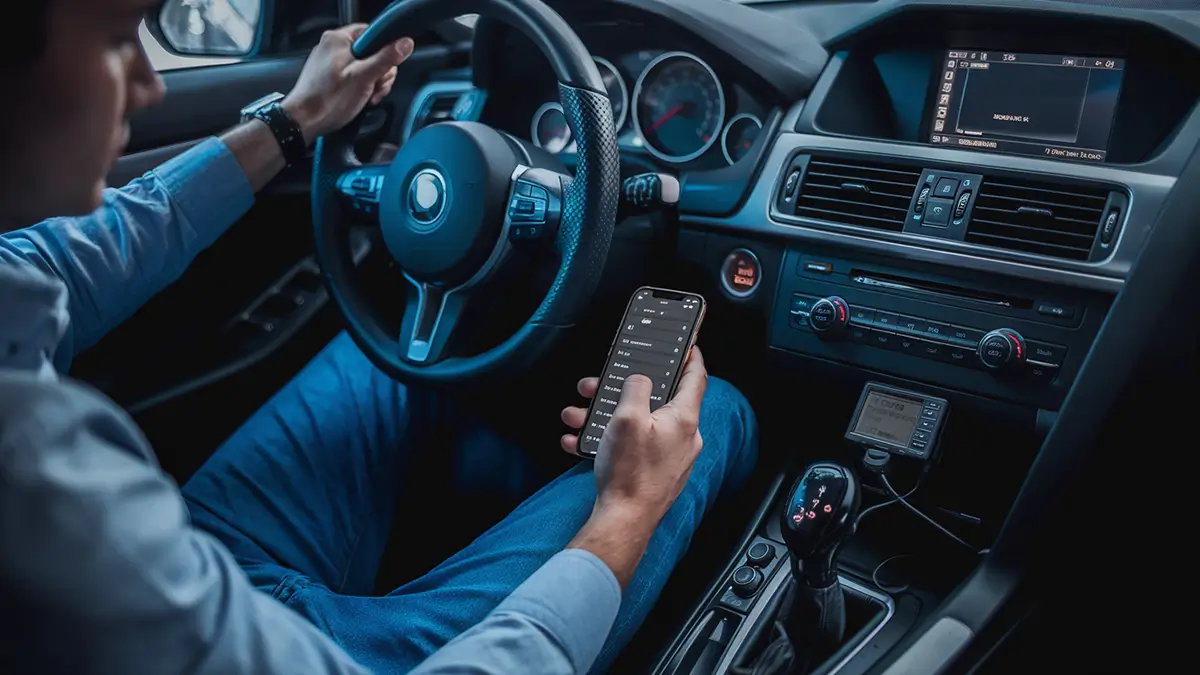
The ELM327 OBD2 BT diagnostic interfaces include components that replace the wired connection. These products, often called Bluetooth OBD2 dongles, are equipped with Bluetooth modules operating in different modes. Not all of these modes are compatible with every operating system.
Apple iOS, for example, is not compatible with the older Bluetooth 3.0 version. iPhones and iPads only work with BLE or Bluetooth Low Energy, which corresponds to BT 4.0 introduced in 2012. That is why you must choose a Bluetooth 4.0 OBD2 device to use an OBD2 scanner with iPhone.
Most Bluetooth ELM327 devices currently sold operate with version 3.0 and are therefore not compatible with iPhones.
Be careful! Many diagnostic software programs still do not support Bluetooth version 4.0. Always check compatibility before purchasing your Bluetooth OBD2 adapter.
When installing your diagnostic software or app, make sure it is compatible with your ELM327. A quick Bluetooth OBD2 test after installation ensures that communication is working properly.
Why buy a Bluetooth OBD2 scanner?
OBD-II WiFi, OBD-II Bluetooth or OBD-II USB?
First of all, if you want to perform an engine diagnostic on your vehicle, you will need this type of device. There are OBD2 code readers available in USB, WiFi, or Bluetooth versions. If you want to diagnose your vehicle using your smartphone, a wireless connection is required. That leaves Bluetooth or WiFi.
The Bluetooth connection is often more reliable and does not require access to your phone’s WiFi module. You can connect to the Bluetooth OBD reader while still having internet access. This is not possible with a WiFi ELM327. That is a major advantage of Bluetooth OBD compared to WiFi.
The choice between OBD2 WiFi or Bluetooth also depends on your device. On Android, Bluetooth is the best option. On iPhone, choose a Bluetooth 4.0 OBD2 dongle compatible with BLE.
Perform an engine diagnostic and read fault codes
The advantage of a multi-brand OBD scanner is that it gives you access to your engine data, regardless of your vehicle’s make. Modern vehicles are packed with electronics. When a problem occurs, a warning light appears on the dashboard—but you do not know why.
With an OBD2 scanner and diagnostic software or a diagnostic app like EOBD-Facile, you can access the list of fault codes that triggered the warning light. The fault code indicates which component or system is malfunctioning and needs to be repaired or replaced.
This type of OBD II diagnostic tool can read and clear fault codes and monitor live engine parameters. A Bluetooth vehicle diagnostic device effectively becomes a portable car diagnostic scanner.
How to scan your vehicle with a Bluetooth OBD2?
When using Bluetooth for the first time, pairing with your device is required. During this pairing process, your Android or iPhone saves the device in its settings. In our case, the ELM327 will be saved in your laptop or smartphone settings.
Here is how to connect a Bluetooth OBD2 depending on your device. The procedure differs slightly whether you use a PC, Android, or iPhone.
Pairing on a laptop with EOBD-Facile software
On a computer, the process is the simplest! Even better, the procedure is the same for Windows and macOS.
Once the software is open, simply select the desired device—your ELM327. A new window will appear where you can change the connection type. Just choose the Bluetooth option.
Note: most OBD readers and diagnostic software are now available in Bluetooth OBD2 format. Wireless OBD2 use has become the market standard.
The connection between your diagnostic tool and the software will then be automatic and will not require any further action.
Pairing on Android and iPhone smartphones
For mobile apps, the process is slightly different. Each system has its own method—except for the first step!
First, plug your Bluetooth OBD2 device into the vehicle’s OBD port. Make sure the ignition is switched on.
On Android with the EOBD-Facile app
On Android, go to your phone’s settings. In the “Bluetooth” tab, you will see all nearby Bluetooth devices. Among them, you will find your ELM327.
Select it, and you are ready to go! Your Android Bluetooth OBD2 is now ready to scan your vehicle.
On iPhone with the EOBD-Facile app
Pairing the OBD2 device with the software on iPhone works slightly differently.
You do not need to search for the device in your phone’s system settings. You will not find it there because the iPhone Bluetooth OBD2 uses the BLE protocol.
Open your diagnostic app directly. In the settings, select the interface option. Then choose the device corresponding to your scanner. You can then start your Bluetooth vehicle diagnostic.
Conclusion
The advantage of Bluetooth OBD2 is clear: the connection is wireless and your diagnostic tools can be used with both a computer and a smartphone. It is the best balance between ease of use and full functionality.
Whatever the operating system, a Bluetooth connection is always possible. Whether you are looking for an OBD scanner for Android or a Bluetooth OBD scanner for iPhone, there is a solution to suit your needs.
How do you connect a Bluetooth OBD2 to your smartphone?
Plug the Bluetooth OBD2 dongle into your vehicle’s OBD port and switch on the ignition. On Android, pair the device via the phone’s Bluetooth settings. On iPhone, open the diagnostic app (such as EOBD-Facile) directly and select the interface in the app settings.
What is the difference between OBD2 WiFi and OBD2 Bluetooth?
A Bluetooth OBD2 scanner allows you to stay connected to the internet during diagnostics, unlike WiFi which uses the phone’s network connection. Bluetooth is also more stable and consumes less power, especially in BLE 4.0 version.
Is a Bluetooth OBD2 compatible with iPhone?
Yes, but you must choose a Bluetooth 4.0 (BLE) OBD2 dongle. iPhones are not compatible with standard Bluetooth 3.0. Make sure that both the ELM327 and the diagnostic app support Bluetooth Low Energy before purchasing.
How do you use an OBD2 scanner in French?
Download a diagnostic app available in French such as EOBD-Facile. Plug your Bluetooth OBD2 device into the OBD port, pair it with your smartphone or computer, then launch the app. It will display fault codes and engine data in French.
Learn more
Share this article